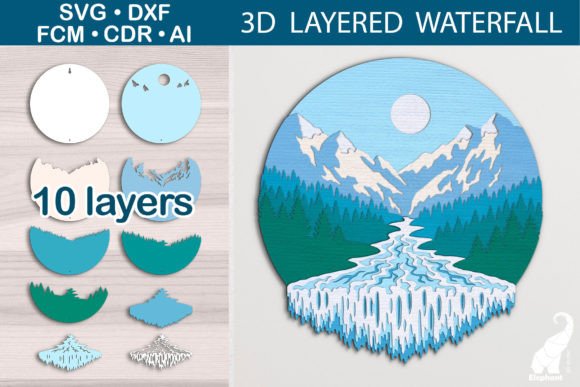
3D Layered Waterfall SVG Template
There is a distinct satisfaction in taking a flat digital file and transforming it into a tangible, dimensional object. The 3D Layered Waterfall SVG Template offers precisely this experience, bridging the gap between simple paper crafting and intricate architectural design. It is not merely a cut file; it is an invitation to explore depth, shadow, and movement through paper engineering. For creators, hobbyists, and small business owners alike, this template provides a structured yet flexible framework for producing stunning visual effects that captivate audiences.
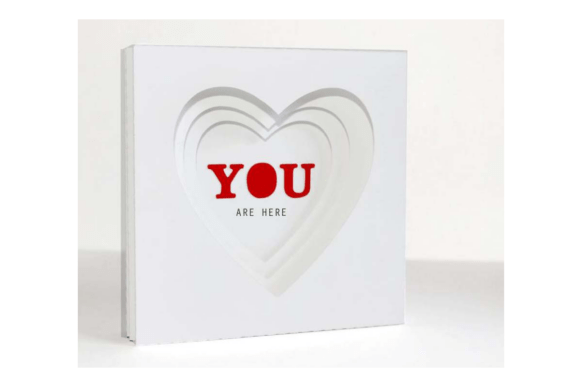
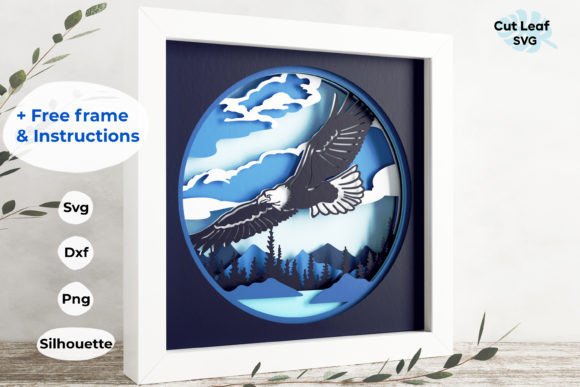
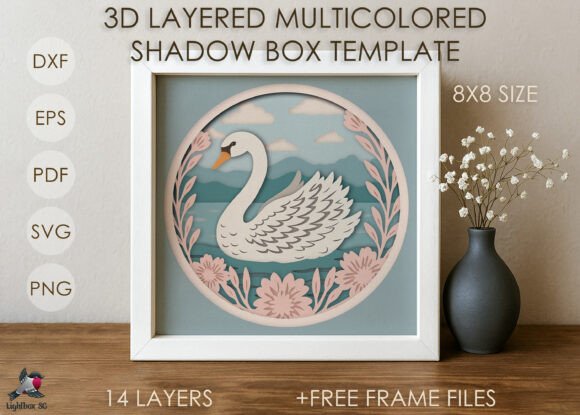
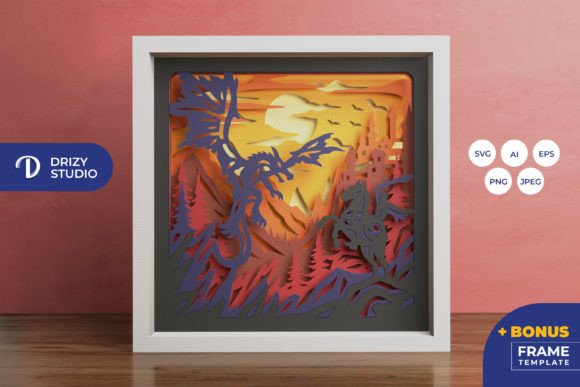
The core appeal of this project lies in its name: a waterfall. Unlike standard layered cards that sit flush against a background, this design utilizes multiple layers of cardstock arranged to mimic the cascading flow of water. Each layer is carefully calculated to overlap the next, creating a sense of rhythm and motion. When assembled correctly, the result is a dynamic piece that draws the eye downward, simulating the natural grace of falling water. This makes it an exceptional choice for greeting cards, scrapbook embellishments, wall art, or decorative accents for events.
Unpacking the Digital Assets
One of the most significant advantages of purchasing this digital package is the comprehensive nature of the files provided. You are not limited to a single format; instead, you receive a versatile suite of assets designed to work seamlessly with various cutting machines and software environments. All files are neatly archived in one convenient ZIP file, ensuring easy access and organization.
The archive includes:
- PDF Tutorial in English: A step-by-step guide that walks you through the assembly process, ensuring even beginners can achieve professional results.
- SVG Template: The universal vector format compatible with most modern cutting software.
- Files for Cricut: Optimized specifically for the Cricut ecosystem.
- DXF Template: Ideal for users working with Adobe Illustrator or other CAD-like programs.
- Files for Silhouette: Pre-configured settings for Silhouette Studio users.
- FCM Template: Files tailored for Brother ScanNCut users.
- CDR Template: CorelDRAW native format for advanced vector editors.
- AI Template: Adobe Illustrator native format for high-end design work.
This multi-format support ensures that regardless of your preferred toolchain—whether you are a die-hard Cricut user, a Silhouette enthusiast, or a Brother ScanNCut owner—you have direct access to the necessary resources without needing to convert files manually. This compatibility extends across major platforms including Cricut Maker, Cricut Explore, Silhouette Cameo, and Brother ScanNCut.
Adaptability and Scalability
Flexibility is key in creative projects, and this template excels in that regard. While the standard size is approximately 29 x 31 cm (11.5 x 12.2 inches), the vector nature of the design allows for significant scaling. You can reduce the template down to 8 x 8.5 inches, making it perfect for smaller formats like mini-albums, gift tags, or compact greeting cards.
This scalability opens up a world of application possibilities. A large version might serve as a striking centerpiece for a wedding reception table, while a scaled-down version could be part of a series of themed party invitations. For educators, these different sizes allow for varied classroom activities, teaching spatial reasoning and precision at different scales. Marketers and bloggers can use the smaller versions as branded giveaways or social media content props, leveraging the visual impact of the 3D effect to capture attention online.
Materials and Preparation
To bring this design to life, you will need specific materials that support the structural integrity of the layers. The recommended supply list is straightforward but essential for achieving the desired density and finish:
- Cardstock: You will need approximately 10 sheets of cardstock measuring 30.5 x 30.5 cm (12 x 12 inches). The ideal weight is between 200-300 g/m². This density is crucial; too thin, and the layers may warp or tear; too thick, and the folding or gluing process becomes difficult.
- Adhesive: Use either strong liquid glue or double-sided self-adhesive foam pads. Foam pads are particularly recommended because they add physical depth between layers, enhancing the 3D effect and preventing the paper from looking flat.
- Cutting Machine: Any compatible machine mentioned above will suffice. Ensure your blade is sharp to achieve clean cuts on multiple layers of cardstock.
- Basic Tools: A bone folder for crisp creases, tweezers for handling small pieces, and a ruler for alignment.
The Assembly Process
While the cutting phase is quick, the assembly requires patience and attention to detail. The approximate assemble time is around 40 minutes, though this can vary based on your experience level. The PDF tutorial included in the download is an invaluable resource here, breaking down the complex layering into manageable steps.
The process typically involves cutting out each colored or textured layer according to the template, then systematically adhering them from the back to the front. Precision is vital; misalignment can disrupt the visual flow of the "waterfall." Using foam pads strategically can help maintain consistent spacing between layers, giving the piece a floating, airy quality. This tactile engagement transforms the act of crafting into a meditative practice, allowing you to focus on the details and enjoy the gradual emergence of the final form.
Creative Applications and Ideas
Once assembled, the 3D Layered Waterfall SVG Template serves as a blank canvas for personal expression. Here are several ways to adapt and utilize this design:
Seasonal Decorations
The waterfall motif naturally evokes themes of renewal and flow, making it perfect for spring and summer projects. Use pastel blues, greens, and whites for a fresh, airy look. Conversely, for autumn, incorporate warm oranges, reds, and browns to create a rich, textured piece that mimics fall foliage cascading down.
Corporate Branding
Entrepreneurs and marketers can leverage this design for client appreciation gifts. By using brand colors and adding custom logos or messages to the top layer, you create a memorable, high-value item that stands out in a mailbox. The three-dimensional aspect commands attention and conveys a sense of effort and care.
Educational Tools
Educators can use this template to teach concepts related to geometry, layering, and perspective. Students can experiment with different color combinations to understand how contrast affects visual depth. It also serves as a great fine-motor skill exercise for older children and adults alike.
Digital Content Creation
For bloggers and influencers, the finished product is highly photogenic. The interplay of light and shadow on the layered paper creates dynamic images suitable for Instagram, Pinterest, or YouTube tutorials. Sharing the assembly process can engage followers who enjoy behind-the-scenes content, fostering a community around your creative brand.
Tips for Success
To ensure your project turns out clear, effective, and organized, consider the following recommendations:
- Color Coordination: Choose a cohesive color palette before you start. Analogous colors (colors next to each other on the color wheel) often work best for a harmonious waterfall effect, while complementary colors can create dramatic contrast.
- Paper Texture: Experiment with different textures. Smooth cardstock gives a clean, modern look, while textured or patterned papers can add extra visual interest. However, avoid overly heavy textures that might obscure the delicate lines of the cut.
- Patience with Adhesive: Allow glue to dry slightly before moving to the next layer if using liquid adhesive. If using foam pads, press firmly to ensure a secure bond.
- Test Cut: Always perform a test cut on scrap paper first to verify the settings on your machine. This prevents waste and ensures the blade depth is correct for your chosen cardstock weight.
In conclusion, the 3D Layered Waterfall SVG Template is more than just a craft project; it is a tool for creativity that adapts to various needs and skill levels. With its robust file compatibility, scalable design, and engaging assembly process, it offers endless opportunities for inspiration. Whether you are creating a heartfelt gift, a professional marketing asset, or simply exploring the joy of paper crafting, this template provides a reliable foundation for producing beautiful, three-dimensional art.